
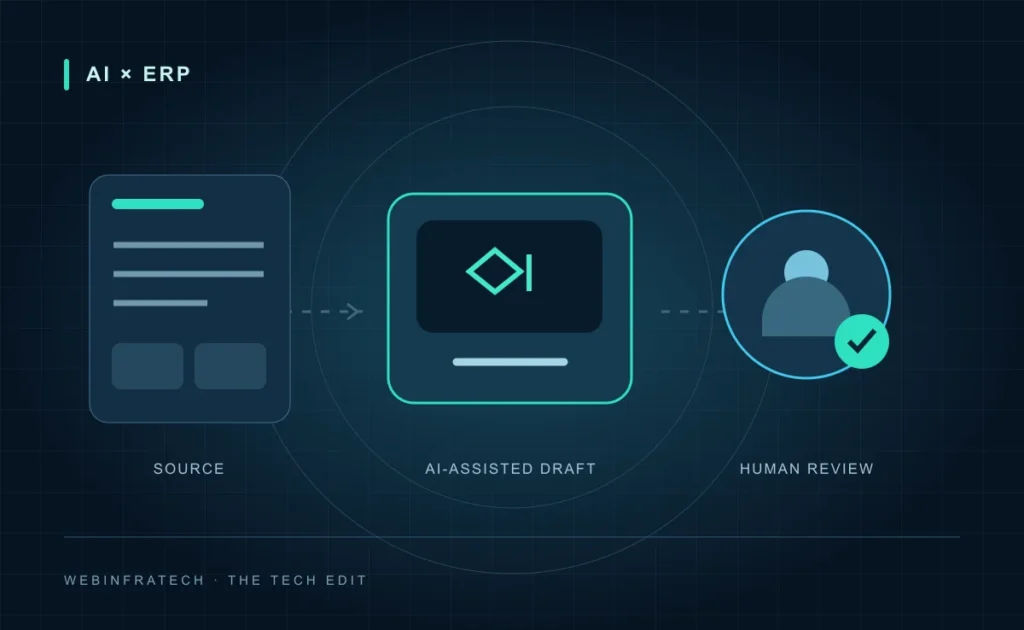
AI in ERP is most useful when it removes a specific bottleneck without weakening the rules that keep a business running. Preparing an order summary, finding a matching purchase record or drafting a service update can be a sensible starting point. Giving a model unrestricted control over operational records is not.
This guide sets out a practical planning approach for a small, reviewable pilot. The examples are illustrative workflows, not claims about a completed customer project or guaranteed savings.
Where AI fits in an ERP workflow
An ERP system should remain the authoritative record for approved transactions and business data. An AI component can help interpret unstructured information around that record: emails, service notes or document descriptions. Deterministic rules should still enforce permissions, required fields and approval limits.
For example, a distributor could use an assistant to turn an incoming request into a draft order summary. The application would then check product identifiers and quantities against trusted records. A team member would resolve unclear items and approve the draft before anything is committed.
Choose one task with a clear finish line
Start by documenting what comes in, what the assistant should produce and what happens when it cannot complete the task. A narrow workflow is easier to test than a general instruction to “automate operations”.
- Input: a service request and the records the current user is allowed to access.
- Output: a draft summary with references to the supporting records.
- Approval: a named operations owner reviews the draft.
- Fallback: missing identifiers, conflicting information or integration failures return the task to the existing manual process.
Keep the integration boundary explicit
Connect through supported application interfaces rather than letting generated text become database commands. Validate proposed changes against a defined schema. Check permissions on the server for every request; a hidden interface button is not an access-control boundary.
For an initial pilot, prefer read-only access. If approved writes are later introduced, use narrowly scoped operations, record the approver and prevent a retry from creating duplicate records. Credentials belong in a protected server-side configuration, not in a prompt or a browser script.
Review the data before introducing a model
Agree which fields are needed and exclude unrelated personal or confidential information. Review the selected provider’s current retention and data-use settings. Keep source access restrictions intact, including when records are retrieved for an answer.
A model can misread a note or propose a plausible but incorrect value. Microsoft’s guidance on choosing automation similarly distinguishes low-risk drafting from higher-impact work that needs human ownership. The appropriate approval point should follow the consequences of an error, not the confidence of the wording.
Evaluate the pilot against the existing process
Build a test set that represents routine requests, incomplete documents and awkward exceptions. Compare results with the current workflow, including the time spent correcting and reviewing the assistant’s output.
- Can the reviewer trace each important detail to a source?
- How often does the assistant miss a required field or select the wrong record?
- Does it stop safely when a dependency is unavailable?
- Can the team identify, correct and audit a failed attempt?
Define acceptable results before the pilot starts. Expand access only when the evidence and the process owner support it. More connected systems do not automatically make a better automation.
Common questions
Do we need to replace our ERP to use AI?
Not necessarily. Begin by checking whether the existing system exposes suitable interfaces and permissions. A small companion workflow may be more appropriate than a replacement programme.
Should AI approve operational changes?
For a first release, keep approval with an authorised person. Any later automation needs explicit rules, test coverage and a recovery path suited to the action.
Plan the next useful step
WebInfratech can help scope the application and integration work around an ERP and CRM solution. Bring one real workflow, its constraints and its failure cases to the first conversation. For the foundations, read our guides to small AI assistant workflows and responsible AI delivery.
Further reading: Microsoft: deciding when AI automation is appropriate. Product capabilities and provider settings should be checked for your chosen implementation.
 AI & INSIGHT
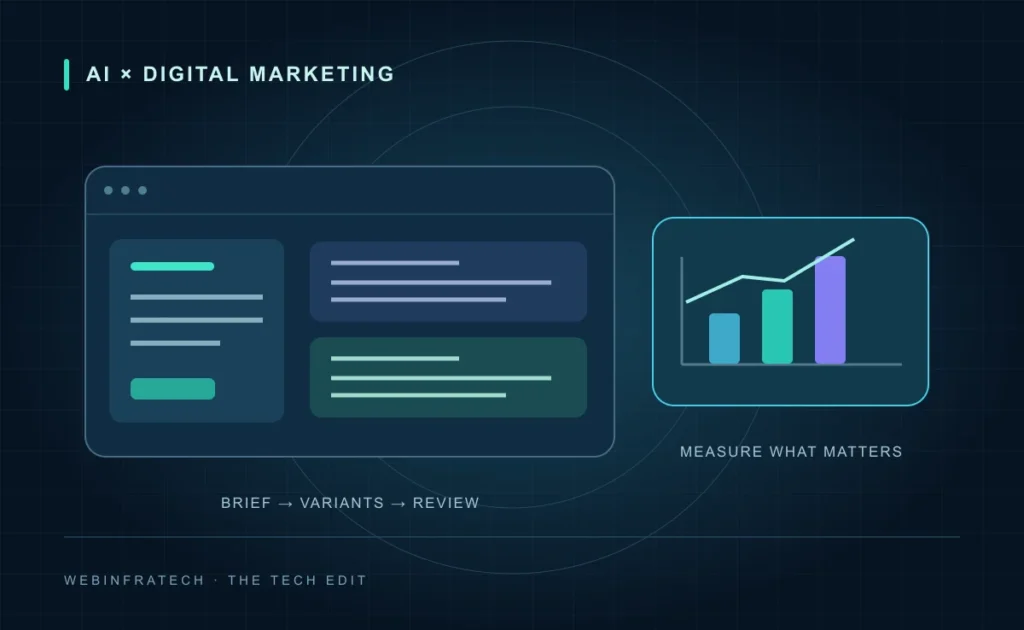
AI Digital Marketing: A Practical Campaign Workflow
Use AI to support campaign research, content drafts and analysis while keeping brand checks, accurate offers and meaningful lead measurement in place.
Read article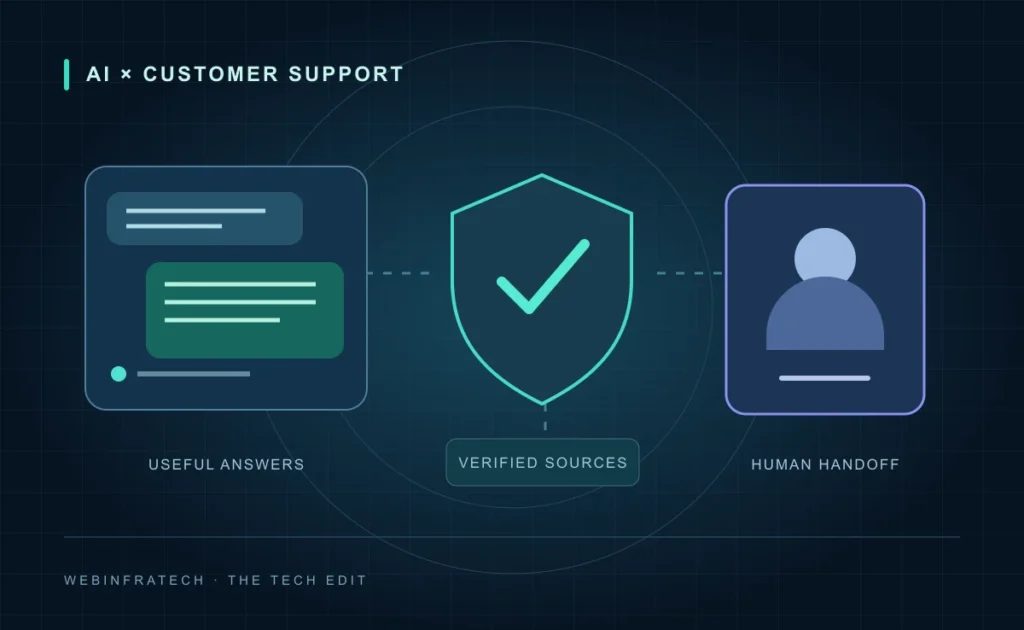 AI & INSIGHT
AI Customer Support Chatbots: Plan a Reliable Launch
Plan an AI support chatbot around trusted answers, protected customer data and a useful human handoff, with realistic tests before and after launch.
Read articleAI Assistants: Start Small, Build Something Useful
A practical approach to turning repetitive business tasks into helpful, human-reviewed AI workflows.
Read article